Assembly
Slide the right speaker unit onto the right side of the headband, and the left speaker unit onto the left side.
Ensure each speaker is upright to avoid sound issues.
Attach the earpads and connect either by cable or wireless.
Connecting via Bluetooth
- Power on S11 by pressing and holding the joystick
- Hold the joystick to the right until the LED starts flashing rapidly.
- Enable Bluetooth on your device and connect to "AIAIAI TMA-2 (S11)"
Click here for a video demonstration
Connecting with a cable
Simply insert one of our cables on the bottom input on the speaker unit marked L, twist to lock and secure the cable.
Please note that there is no cable lock on the top (between the headband and speaker units)
TMA-2 Move Wireless
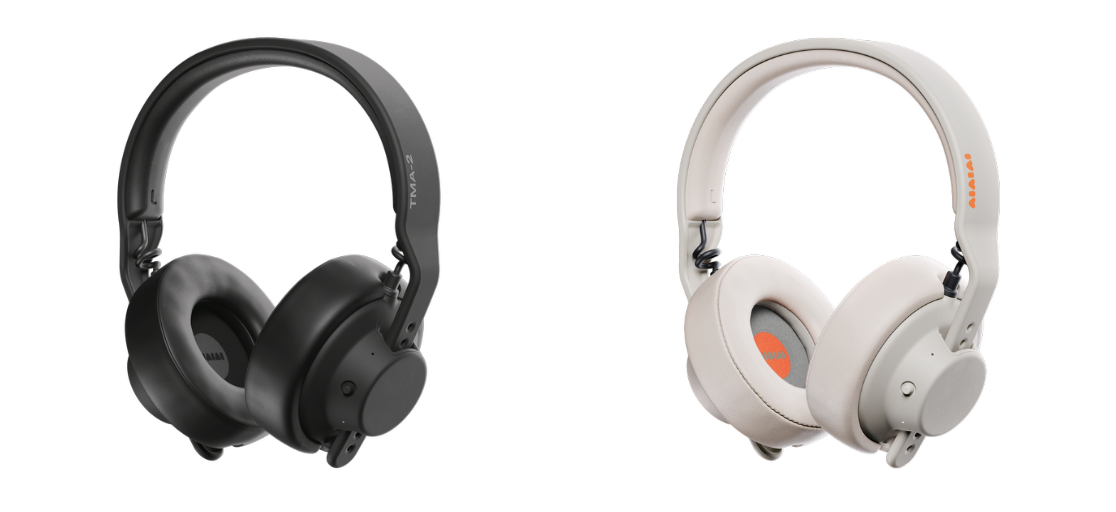
https://aiaiai.audio/headphones/tma-2-move-wireless
Was this article helpful?
That’s Great!
Thank you for your feedback
Sorry! We couldn't be helpful
Thank you for your feedback
Feedback sent
We appreciate your effort and will try to fix the article