August 20th 2026 the AIAIAIxJJJJOUND collab went live. Built on a mutual respect for industrial purity and functional restraint, the project uses AIAIAI’s distinct silhouettes as canvases for a single, uncompromising vision. The resulting hardware collection highlights the products not just as listening tools, but as essential fixtures of the modern creative workspace. The AIAIAIxJJJJOUND is truly a collab is based on a shared vision centered around design with a passion for a minimal and simple visual language.
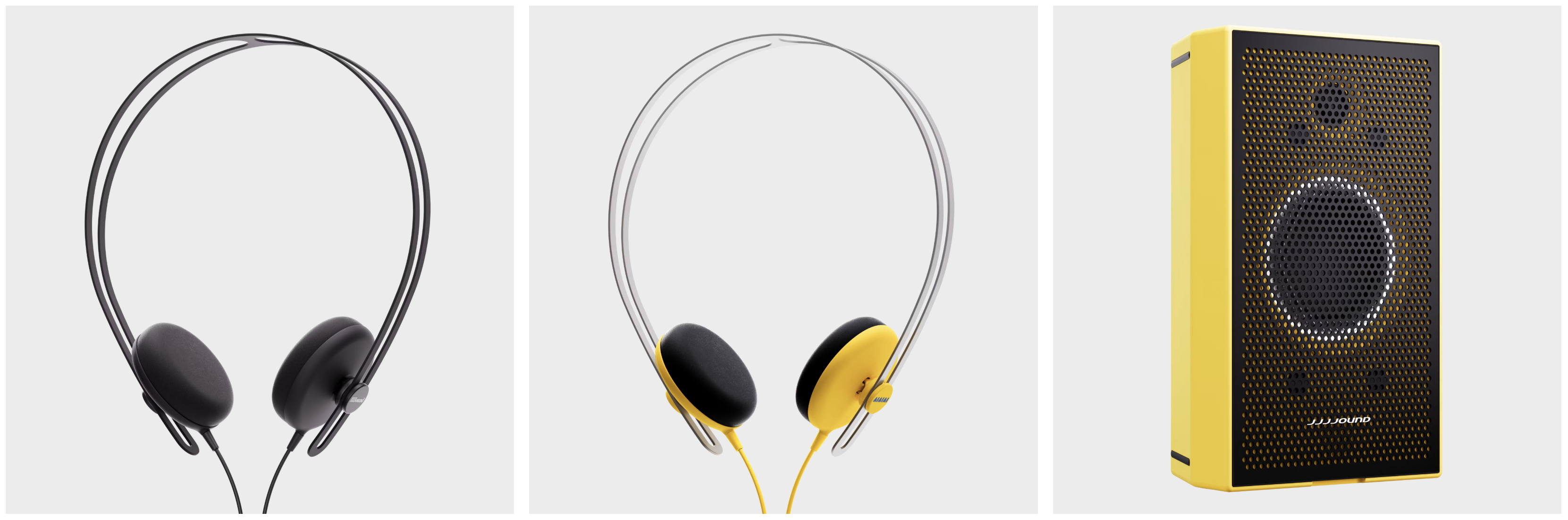
Tracks JJJJound Edition
Award-winning, supra-aural headphone with a subtle design, focusing on simple lines and an iconic shape. 40mm speaker drivers for a full-spectrum sound quality with a tight bass and detailed high frequency notes. Designed around an aluminum brace that acts as a rail system for the sliding ear cups.
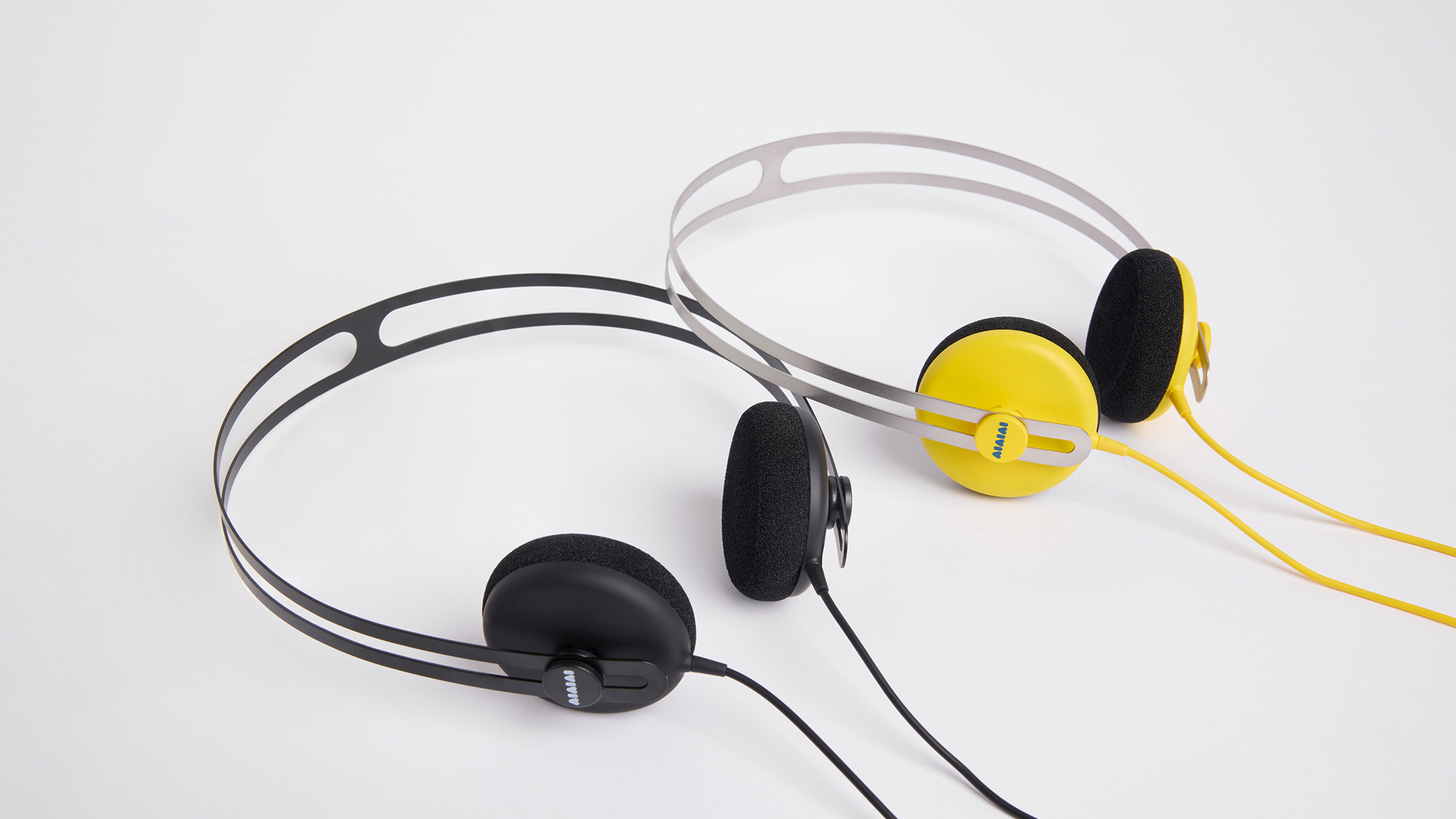
What's included: 1x Tracks JJJJound Edition, 2x extra pairs of sliders
Specifications
| Frequency range | 20 Hz - 20 kHz |
| Impedance (Ohm) | 32 |
| Driver diameter (mm) | 40 |
| Max power (mW) | 70 |
| Connector | USB-C |
UNIT-4 JJJJound Edition
Portable speaker with studio grade sound. Powerful performance and accurate sound representation. Battery-powered and wireless audio for a cable-free and seamless experience.
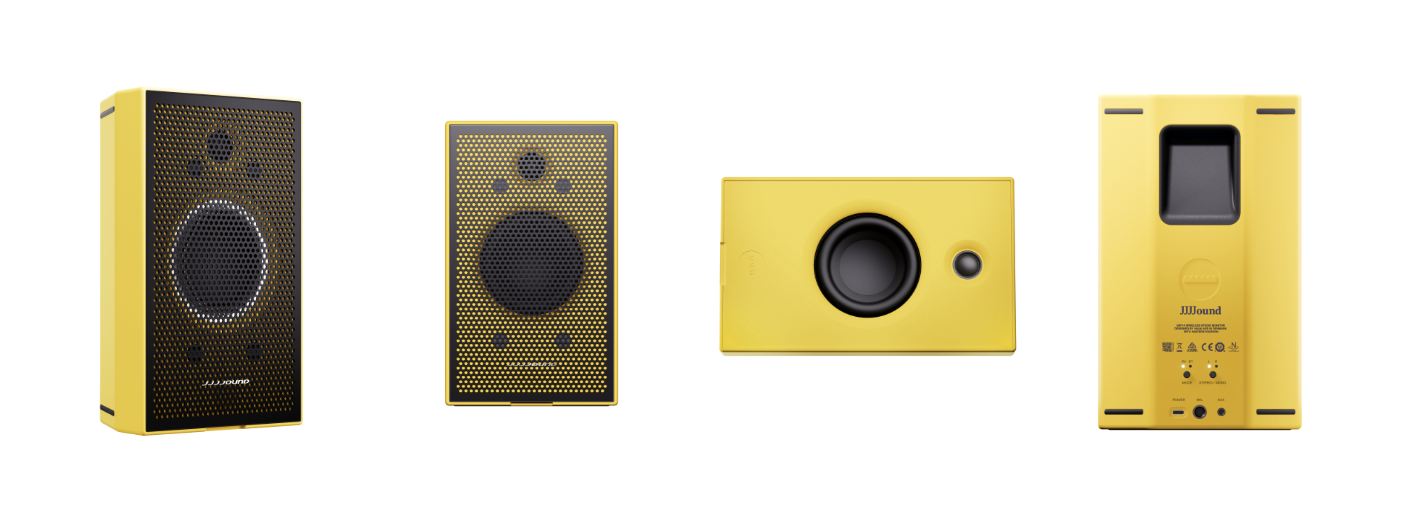
What's included: 1x UNIT-4 Wireless+, 1x Custom grill, 1x UNIT-4 Power supply, 1x Protective Pouch
Compatibility
The UNIT-4's are compatible with the X02 transmitter and can when connected to X02 play with a low latency under 16ms.
Note: The X02 Transmitter is a standard AIAIAI accessory and is only available in Black.
If you want extra accessories for your UNIT-4 you can find it here: https://aiaiai.audio/accessories
Specifications
| Frequency range | 40Hz to 40kHz, -10dB |
| Frequency response | 50Hz - 20kHz ±2dB |
| Bluetooth version | 5.2 |
| Charging time (hours) | 3 |
| Power supply | USB-C |
| EQ adjustment | 5-band adjustable EQ via AIAIAI app |
| Analog input | 3.5mm mini-jack stereo + 6.3mm TRS balanced mono |
Connecting via Bluetooth
- Power on your UNIT-4 by press and holding the middle button
- Hold the mode button for 2 seconds to enter pairing mode (LED blinking fast)
- Find AIAIAI UNIT-4 on your device and connect.
Was this article helpful?
That’s Great!
Thank you for your feedback
Sorry! We couldn't be helpful
Thank you for your feedback
Feedback sent
We appreciate your effort and will try to fix the article